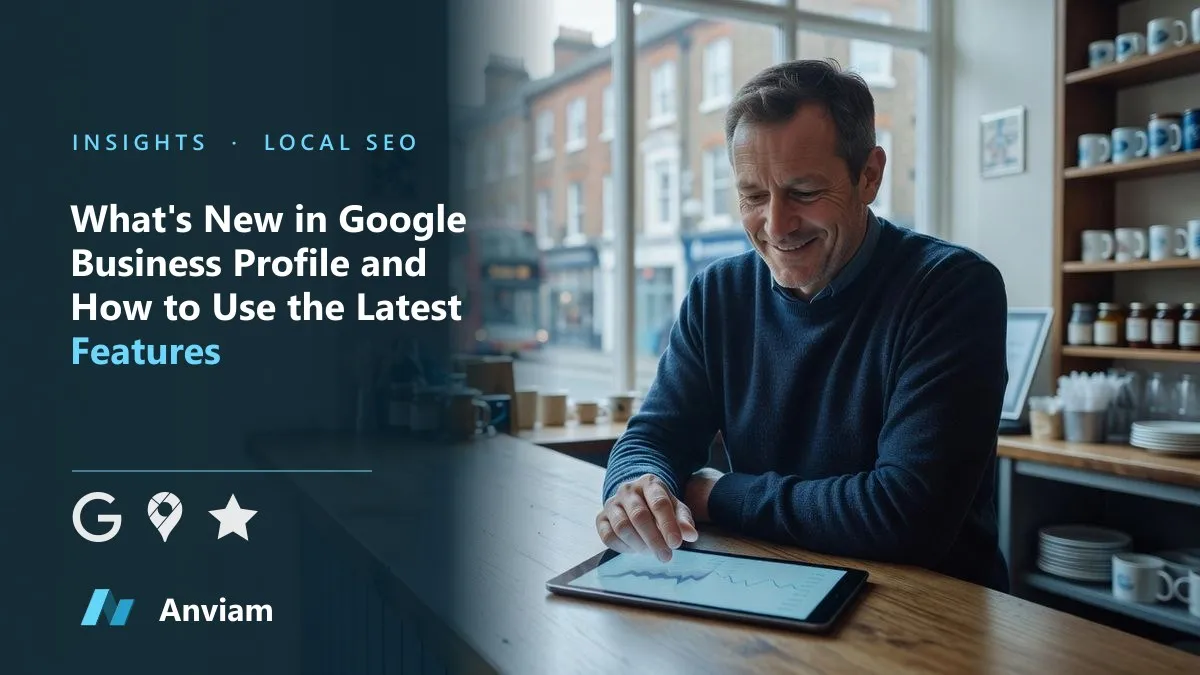
What's New in Google Business Profile and How to Use the Latest Features
By Ashmeet Singh, Head of Branding & Marketing · Updated 10 October 2026 · 6 min read
A plain-English tour of the newest Google Business Profile features and updates, and exactly how to use each one to win more local customers in 2026.
Google changes your Google Business Profile more often than most owners notice, and each update quietly shifts how customers find and judge you. Many local buyers check a profile before they call or visit, so a feature you've ignored could be the reason a competitor gets the enquiry instead.
This guide walks through the Google Business Profile features and updates worth your attention right now, in plain English, with a clear use for each. No jargon, no feature list for its own sake: just what changed, why it matters, and the one action to take.
Quick answer
The biggest shift is that you now manage your Google Business Profile directly in Google Search and Maps, not a separate app. The features worth using today are Posts and offers, a full products and services catalogue, messaging, booking links, the Q&A section, social profile links, and richer performance insights. Each one is a relevance or trust signal, so filling them in both wins customers and helps you rank. Keep the profile active and accurate, and it increasingly feeds AI answers too, not just the map pack.
How we track this
We manage profiles for UK service and retail businesses, so we see features roll out across real accounts rather than only in announcements. This guide covers the updates that have actually reached most UK profiles and that change how you win customers. For anything about ranking, our organic SEO services apply the same method.
Why Google keeps changing your profile
Google wants its results to answer a question completely, so people don't bounce back to search. Every new profile feature is really a way to pull more of the answer onto Google itself: your hours, your prices, your availability, your reviews, even a direct message or booking.
That's good and bad for you. Good, because a rich profile can win the click and the customer. Bad, because an empty or outdated one now stands out as neglected next to competitors who fill everything in. The practical takeaway is simple: treat the profile as a living shopfront, not a one-off setup.
You now manage everything in Search and Maps
The standalone Google My Business app has been retired, and editing moved into Google Search and Maps themselves. Search your own business name while signed in and you can update details, post, reply to reviews and read insights right there. We covered the transition in detail in our guide to the Google My Business app going away.
What to do: make sure the right people have access under the new setup, remove anyone who shouldn't, and bookmark the direct edit view so updates take seconds rather than a hunt through menus.
See where AI search is hiding your brand
Get a free AI-visibility audit. We'll show where you're missed in Google and AI answers, and the fastest way to get cited.
The features worth using right now
Posts, offers and events
Posts put fresh content straight onto your profile: a seasonal offer, a new service, an event, or simple news. They signal an active business and give customers a reason to act. Post regularly rather than once, and always include a clear next step and a link.
Products and services catalogue
You can list your products and services with descriptions and, where relevant, prices. This is one of the most under-used features, yet it tells Google precisely what you offer, which helps relevance, and it answers the customer's first question before they even call.
Messaging
Customers can message you from the profile. It's a fast route to an enquiry, but only if you reply quickly, so turn it on only when someone can actually respond within hours, and set honest expectations in your welcome message.
Booking and appointment links
If you take bookings, you can add a link so customers reserve a slot without leaving Google. Fewer steps means fewer lost enquiries, so point it at a page that loads fast and works on a phone.
Q&A, attributes and social links
- Q&A: answer the common questions yourself so no one posts a wrong answer for you.
- Attributes: flag things like wheelchair access, free parking or women-led, which help the right customers choose you.
- Social links: you can now add your social profiles directly, so people can check you across platforms from one place.
Features worth using and the point of each
| Feature | What it does | Why it's worth it |
|---|---|---|
| Posts and offers | Adds fresh updates to your profile | Signals an active business and prompts action |
| Products and services | Lists what you sell with details | Boosts relevance and answers buyers early |
| Messaging | Lets customers message you directly | Captures enquiries fast, if you reply fast |
| Booking links | Sends customers to reserve a slot | Cuts steps and lost enquiries |
| Performance insights | Shows calls, directions and search terms | Tells you what's actually driving results |
Richer performance insights
The insights view keeps improving. You can see how people found you, the search terms that showed your profile, and the actions they took: calls, direction requests, website clicks and messages. This is the data that should steer your next move.
- Watch which search terms surface your profile, then add matching services and posts.
- Track calls and direction requests month on month, not just a single ranking position.
- Spot photos and posts that get views, and do more of what works.
How your profile now feeds AI answers
Your profile no longer just powers the map pack. Google AI Overviews now appear in roughly a quarter of searches on average (Conductor, 2026), and assistants increasingly pick a local business to recommend. They draw on the same details you keep in your profile: category, services, hours, attributes and reviews.
So a complete, accurate, active profile does double duty: it wins the traditional local pack and it makes you a credible answer when the result is generated rather than listed. We go deeper on this in how Google reviews feed AI recommendations.
Owners ask me which single feature to turn on. My honest answer is that no feature saves a neglected profile. The win comes from keeping the whole thing current: real photos, posts most weeks, prices filled in, reviews answered. Google rewards the businesses that behave like they're genuinely open and paying attention, because that's exactly what its new features are designed to measure.
— Ashmeet Singh, Head of Branding & Marketing, Anviam
How to keep up without wasting hours
You don't need to chase every announcement. Set a simple routine and the updates largely take care of themselves.
- Monthly: check for new fields or features, and fill in anything that applies to you.
- Weekly: add a post and reply to every new review.
- Quarterly: audit your details, photos and prices against what's actually true now.
- Always: fix any wrong information the moment you spot it, because trust is hard to win back.
Getting the features right is the easy half; ranking with them is where most of the work sits. If you want the profile and your website pulling in the same direction, read our companion guide on ranking in 'near me' searches, explore our organic SEO services, or request a free quote and we'll audit your profile for you.
Is Google Business Profile the same as Google My Business?
Yes, it's the renamed version. Google My Business became Google Business Profile, and the separate app was retired, so you now manage everything directly in Google Search and Maps.
Do I still need the Google My Business app?
No. The app has gone away, and all management now happens in Search and Maps while you're signed in. Search your own business name to open the edit view.
Which Google Business Profile features matter most?
The most impactful are your primary category, products and services, posts, reviews and replies, and accurate details. Messaging and booking are strong additions if you can respond quickly.
How often should I post on my profile?
Aim for a post most weeks. Regular posts signal an active business and give customers fresh reasons to act, which matters more than any single large update.
Does adding prices and products help me rank?
It helps relevance by telling Google exactly what you offer, and it answers buyer questions earlier. That tends to improve both visibility and the quality of enquiries you receive.
Can an agency keep my profile updated for me?
Yes. Many businesses hand profile posting, review replies and feature updates to a managed team. You can request a free quote and we'll scope ongoing management alongside your wider local SEO.
Was this article helpful?
Rate it and, if you like, drop a question for Ashmeet. We read every one.

Written by
Ashmeet Singh
Head of Branding & Marketing, Anviam
Ashmeet leads branding and marketing at Anviam, where he builds search and AI-visibility programmes for B2B and consumer brands across the UK and Europe. He works day-to-day on SEO, GEO and AEO strategy, helping brands get found in both classic search and AI answer engines like ChatGPT, Perplexity and Google AI Overviews.
Want results like these for your brand?
Book a free consultation and we'll return a prioritised growth plan within five working days.
Get a free consultation →