The Google My Business App Is Gone: How to Manage Your Profile in 2026
By Ashmeet Singh, Head of Branding & Marketing · Updated 10 October 2026 · 7 min read
The standalone Google My Business app has been retired. Here's how to claim, verify and manage your Google Business Profile directly in Search and Maps, and keep winning local customers.
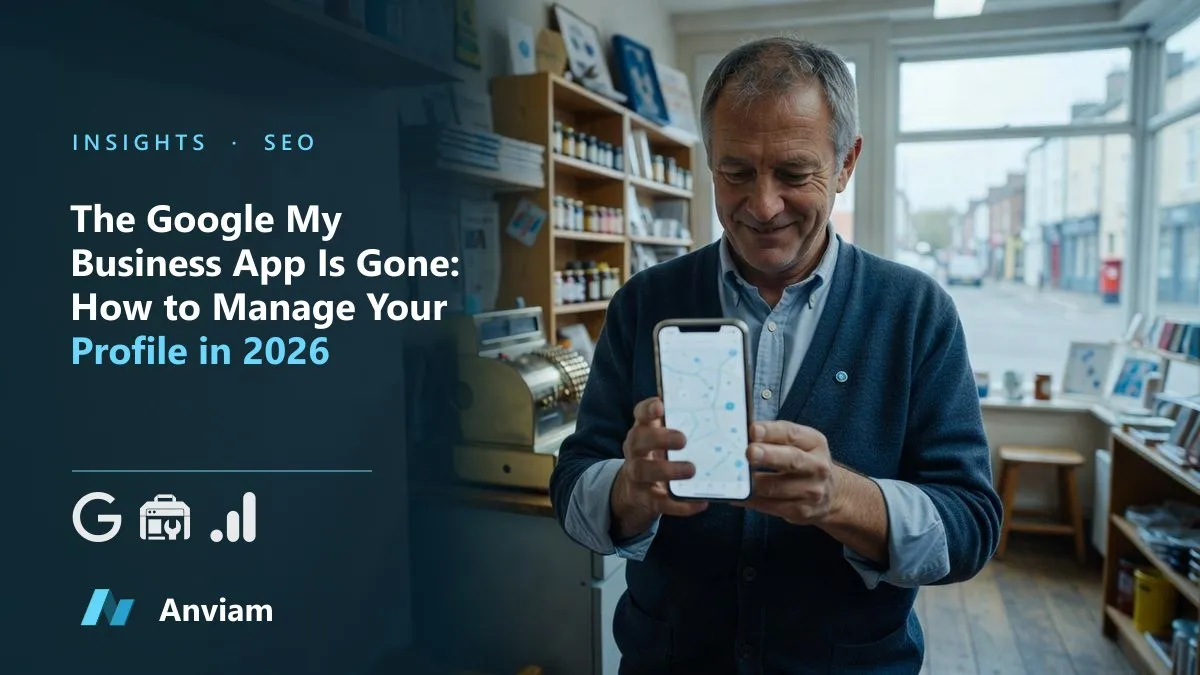
The standalone Google My Business app no longer exists. Google retired it and moved every management tool into Google Search and Google Maps, so the profile you rely on for local customers is now edited straight from the places people already find you. That matters because local visibility still decides who gets the call: the top organic result alone pulls about 26% of clicks, far more than anything below it (Advanced Web Ranking, 2025).
This guide shows you exactly where the old app's features went, how to claim and verify your Google Business Profile now, and the handful of habits that keep a profile ranking in 2026. If you managed your listing from your phone for years, nothing you built is lost. The controls simply live somewhere better.
Quick answer
The Google My Business app has been shut down. Manage your Google Business Profile by searching your own business name while signed in to your Google account, or by opening your business in Google Maps and tapping Edit. Everything the app did (posts, photos, reviews, messages, hours, insights) is now built into Search and Maps. Nothing is deleted, and your existing profile carries over automatically. Need help across many locations? Our local SEO team can take it on.
Why did Google retire the My Business app?
Google wanted one place to manage your presence rather than a separate app most owners forgot to open. By folding the tools into Search and Maps, the products millions of people use every day, Google removed a step and made edits show up faster. The rename from "Google My Business" to "Google Business Profile" happened for the same reason: the profile is the product, and you now manage it where it appears.
So the short version is this. The brand name changed, the app went away, and the features moved. Your listing, reviews, photos and history all stayed exactly where they were.
Where did each feature go?
If you had a routine in the old app, here's the direct swap for each job you used to do.
Old Google My Business app feature to its new home
| What you used to do | Where it lives now |
|---|---|
| Edit hours, phone, address | Search your business name while signed in, then use the profile panel; or Maps > your business > Edit |
| Post offers and updates | The "Add update" and "Promote" options in the Search profile panel |
| Reply to reviews | The "Reviews" option in the Search profile panel, or the Maps business page |
| Answer customer messages | Chat moved into Google Maps on mobile |
| Upload photos | The "Add photos" option in Search or Maps |
| Check calls, views and searches | The "Performance" / insights view in the Search profile panel |
See where AI search is hiding your brand
Get a free AI-visibility audit. We'll show where you're missed in Google and AI answers, and the fastest way to get cited.
How do I claim and verify my Business Profile now?
Claiming works the same whether your business is brand new to Google or already showing on Maps. The goal is to prove you run the business so you can control what people see.
- Sign in to the Google account you want tied to the business.
- Search your exact business name and town in Google. If a profile already appears, look for "Own this business?" or "Claim this business".
- If nothing appears, go to google.com/business or search "add your business to Google" and create the profile.
- Choose a verification method. Google may offer video verification, a phone call or text, email, or a postcard with a code.
- Complete verification, then fill in every field: category, hours, service area, services, products and at least a few real photos.
Video verification is now common and often the fastest. You record a short clip showing your premises, signage or equipment so Google can confirm you're real. Keep going until the profile shows as verified, because an unverified listing can be edited by the public and ranks poorly.
How we manage profiles for clients
We treat the Business Profile as a live ranking asset, not a set-and-forget directory entry. For every location we lock the category and service list, standardise the name, address and phone across the web, schedule weekly posts and photos, and route reviews into a response workflow so none sit ignored. Then we watch the Performance view month on month and adjust. The checklist is the same whether a client has one shopfront or two hundred, and it sits inside our wider SEO work.
What actually makes a profile rank in local results?
Google ranks local profiles on three things: relevance, distance and prominence. You can't move your shop, but you can influence the other two hard.
Pick the right primary category
Your primary category is one of the strongest signals you control. A "plumber" and an "emergency plumber service" surface for different searches. Choose the single category that matches your core money service, then add secondary categories for the rest.
Keep every detail complete and consistent
Fill in hours (including bank holidays), services with short descriptions, products, attributes and a service area. Make sure your name, address and phone number read identically on your website, your social pages and any directories. Mismatches confuse Google and dent trust.
Post and add photos regularly
Fresh photos and weekly updates tell Google the business is active and give searchers a reason to choose you. Real images of your team, premises and finished work beat stock photos every time.
How much do reviews really matter?
A lot. About 42% of consumers now trust online reviews as much as a personal recommendation, and roughly 74% check at least two review platforms before they decide (BrightLocal, 2025). Google is the single most-used review source, with around 8 in 10 consumers reading Google reviews, so your Business Profile is usually the first and loudest impression a buyer gets.
Ask every happy customer for a review, make it a one-tap link, and reply to all of them, good and bad. A calm, specific reply to a poor review often wins more trust than the five-star ones, because it shows how you handle problems. If reviews are a weak spot, our team can build the request flow and handle responses for you.
The owners who win local search aren't the ones with the slickest website. They're the ones who treat their Business Profile like a shop window they clean every week: fresh photos, quick review replies, accurate hours. Google rewards the business that shows up, literally.
— Ashmeet Singh, Head of Branding & Marketing, Anviam
Managing more than one location
Single-location owners can run everything from Search and Maps. If you manage several profiles, Google still offers a business group view for bulk edits and multiple managers, so you can keep branding consistent and give staff the right level of access without sharing one login.
- Use manager roles for staff instead of sharing the owner account.
- Keep one master spreadsheet of each location's name, category, hours and service area so edits stay consistent.
- Audit every profile quarterly for duplicate listings, which split your reviews and ranking.
- Watch the Performance view per location to spot which ones need more posts or photos.
Why your profile matters even more in the AI era
People increasingly ask AI tools and Google's AI answers for a recommendation before they ever scroll a map. Those systems lean on the same structured signals your Business Profile carries: category, location, reviews and consistent details. A tidy, well-reviewed profile is one of the cleanest ways to stay quotable to both Google and AI assistants, which is a thread we pull on in our guide to SEO, AEO and GEO and our AI SEO strategies guide.
In other words, the Business Profile isn't a legacy listing you tick off once. It's foundational data that feeds both classic local search and the newer AI answers, so the effort compounds.
What to do next
Sign in, claim and verify your profile today, then block out thirty minutes a week for photos, posts and review replies. That rhythm, kept up, is what separates the businesses that own the map from the ones that vanish below the fold. If you'd rather hand the whole job to a team, our local SEO service manages Business Profiles end to end, and you can get a free quote to see what it would take for your locations.
Is the Google My Business app really gone for good?
Yes. The standalone app was retired and will not return. All of its features now live inside Google Search and Google Maps, and your existing profile carried over automatically.
Did my reviews and photos disappear when the app shut down?
No. Nothing was deleted. Your reviews, photos, posts and performance history all stayed attached to your Business Profile and are accessible from Search and Maps.
How do I edit my business now without the app?
Sign in to your Google account, search your business name, and use the profile panel that appears. You can also open your business in Google Maps and tap Edit.
What is the difference between Google My Business and Google Business Profile?
They are the same thing. Google renamed Google My Business to Google Business Profile and moved management into Search and Maps. The profile and all its data are unchanged.
How long does verification take?
It varies by method. Video or phone verification can be near instant, while a postcard code can take several days to arrive. Keep the profile accurate while you wait.
Do I need an agency to manage my Business Profile?
Not for a single location if you can spare time each week. For multiple locations, competitive categories, or if reviews and posts keep slipping, an agency keeps everything consistent and ranking. We offer this as part of our local SEO work.
Was this article helpful?
Rate it and, if you like, drop a question for Ashmeet. We read every one.

Written by
Ashmeet Singh
Head of Branding & Marketing, Anviam
Ashmeet leads branding and marketing at Anviam, where he builds search and AI-visibility programmes for B2B and consumer brands across the UK and Europe. He works day-to-day on SEO, GEO and AEO strategy, helping brands get found in both classic search and AI answer engines like ChatGPT, Perplexity and Google AI Overviews.
Want results like these for your brand?
Book a free consultation and we'll return a prioritised growth plan within five working days.
Get a free consultation →